
Ir al contenido principal
  • Pide desde 1 unidad
  • Envío a 21 países de la UE
  • Revisión de archivo gratis
  • Servicio de diseño gratuito
  • Pago seguro
Back to the knowledge base

Using the design tool

How do I check text, logos and QR codes?

A final check for readability, contrast, spelling and reliable scanning.

Last reviewed: 29 de noviembre de 2026

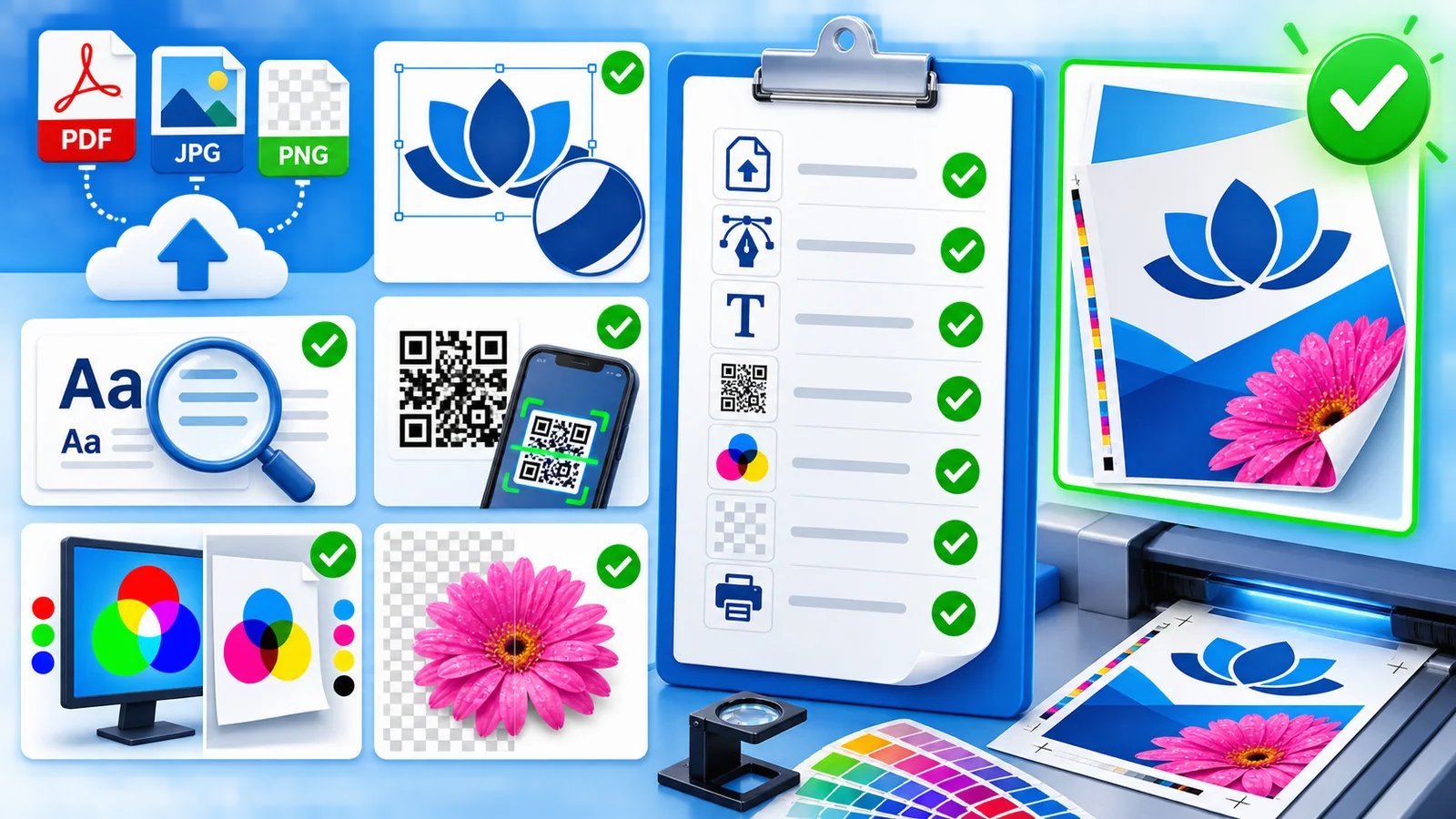
Visual check of file type, logo, text, QR code, colour and transparency

Text

Check spelling, dates, prices, phone numbers and web addresses at 100% view. Use sufficient size and contrast; very thin or pale detail may weaken on textured or absorbent material.

Logos

Prefer a vector PDF or large transparent PNG. A JPG has no true transparency and may include an unwanted white box.

QR codes

Keep a clear quiet zone, never distort the code, use high contrast and scan it from the final preview with several phones. Test the destination as well.

For important business print, have a second person inspect the final preview.

Did this article help?

Ask in the chat

Answer not here? Our assistant will take a look with you.

Read on