
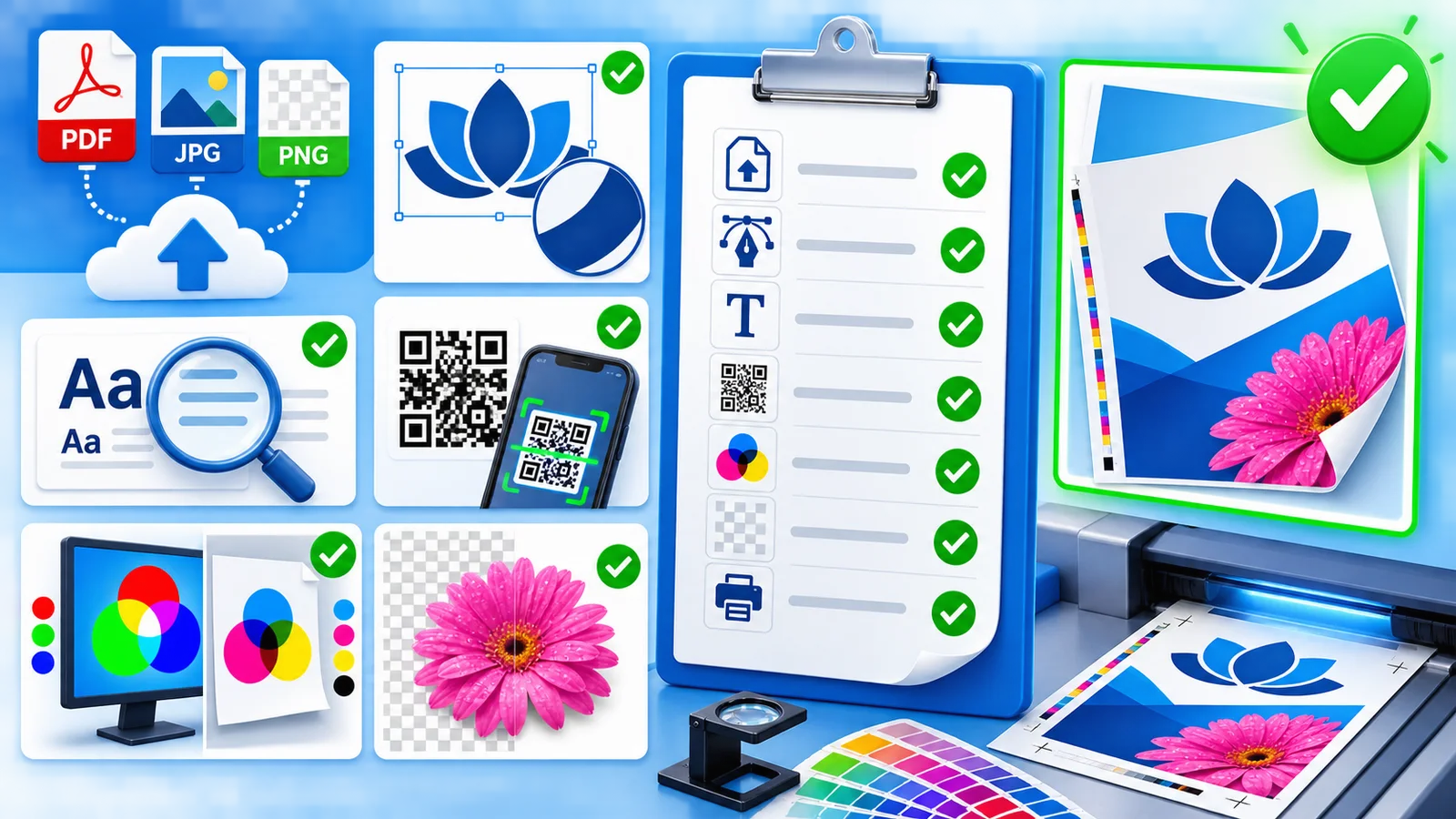
What you upload decides how the print looks. It is the one step you fully control.
File format
You can upload PDF, JPG or PNG. For print with text and logos, PDF is the safest choice, because lines and letters stay crisp. For photos, JPG makes little difference.
Resolution
300 dpi gives a razor sharp result up close. For large formats viewed from a distance, such as a 70 x 100 cm poster or a banner, 150 dpi is plenty.
Note that dpi always applies to the size you print at. A 72 dpi photo meant for a screen is too little for a large poster and will look visibly grainy.
Not sure about your file?
We check your file before it goes to press. If something is off, we contact you instead of printing it anyway.