
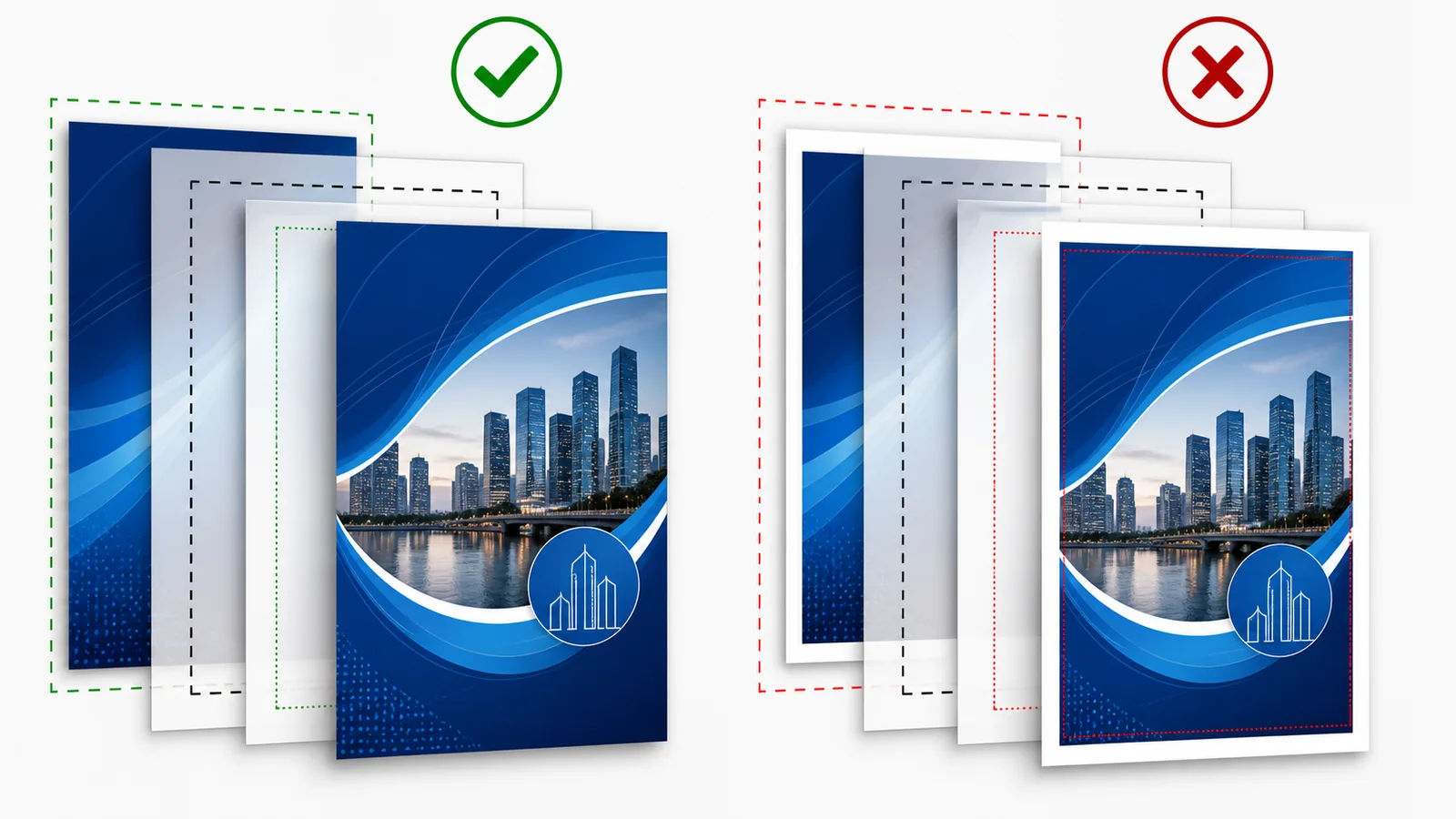
Three areas
Bleed is extra artwork outside the final size. The trim line is the approximate finishing edge. The inner safe area protects essential content from normal production tolerances.
Extend backgrounds and photos to the outer line. Keep text, logos, faces and QR codes fully inside the safe area. Avoid a thin frame along the edge, because even a small shift becomes conspicuous.
| Element | Position | |---|---| | Background | Extend to the outer bleed line | | Text and logo | Keep inside the safe area | | Border frame | Preferably avoid |
Editor guides are not printed. Exact bleed differs by product and finish; follow the guides displayed for the selected format.