
Text
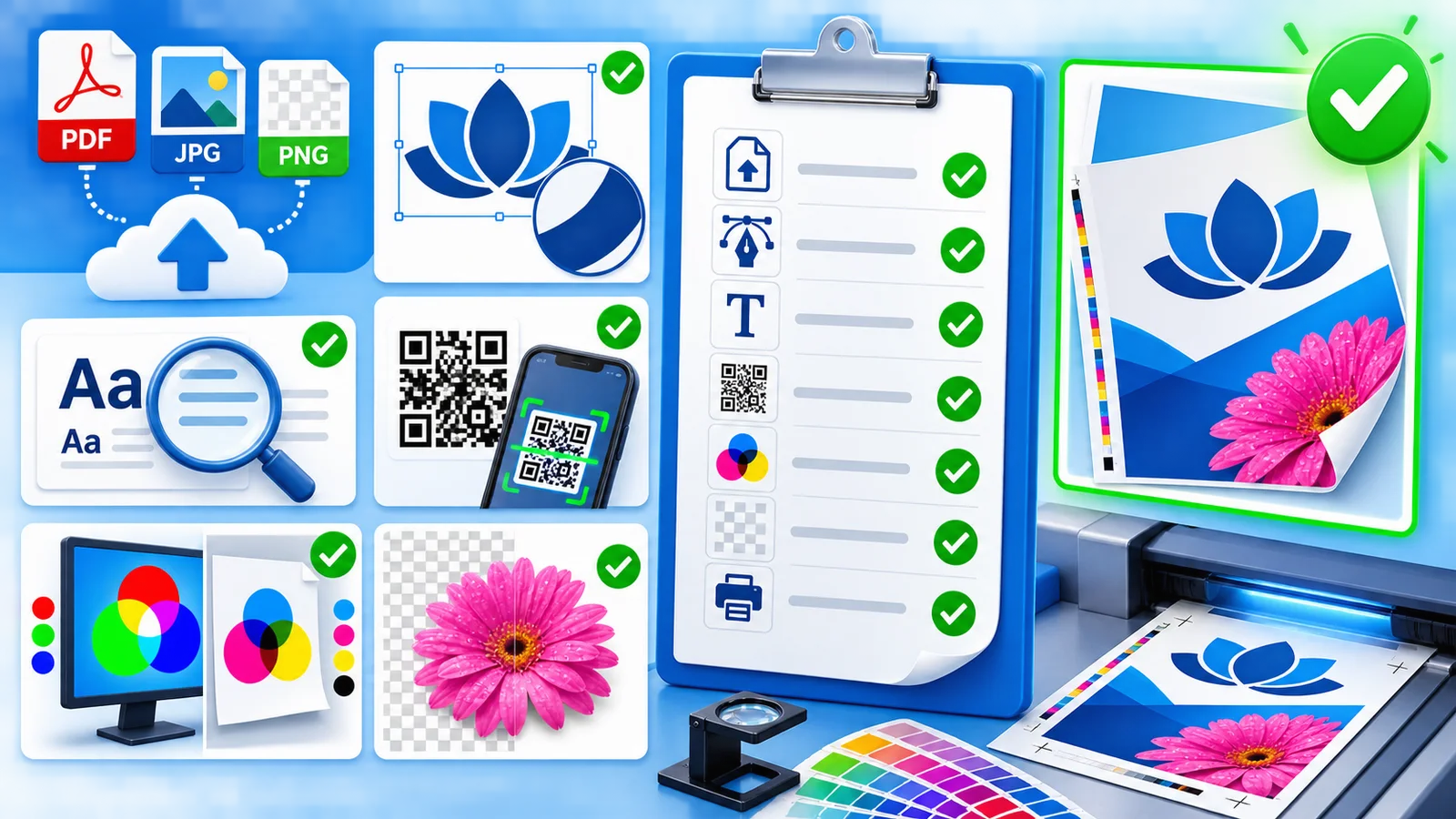
Check spelling, dates, prices, phone numbers and web addresses at 100% view. Use sufficient size and contrast; very thin or pale detail may weaken on textured or absorbent material.
Logos
Prefer a vector PDF or large transparent PNG. A JPG has no true transparency and may include an unwanted white box.
QR codes
Keep a clear quiet zone, never distort the code, use high contrast and scan it from the final preview with several phones. Test the destination as well.
For important business print, have a second person inspect the final preview.