
Before you start
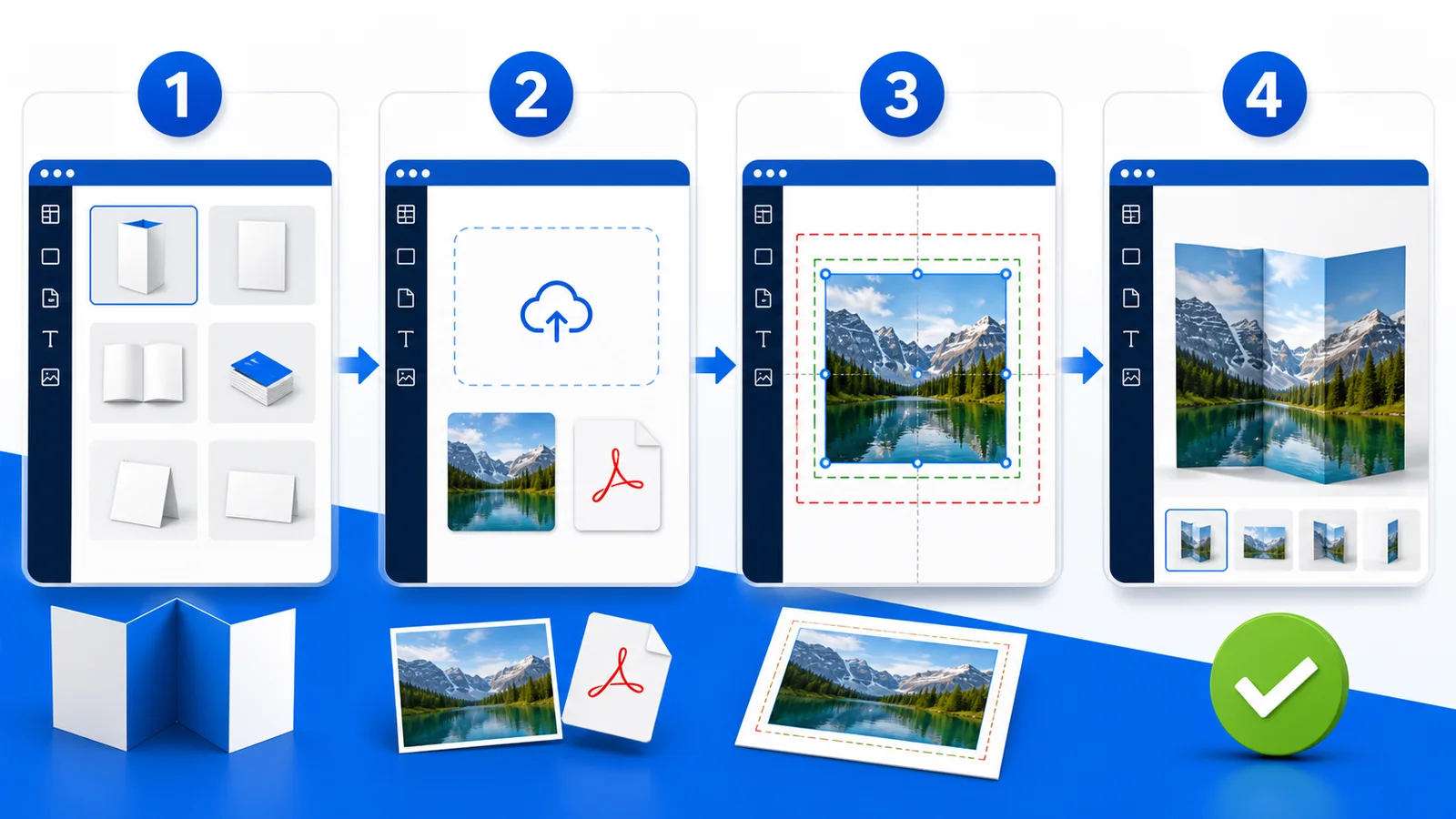
Choose the product, size, material and finish first; these choices define the canvas. Keep the original artwork available. A screenshot is nearly always less suitable for print.
Create your design
Open Design it yourself, upload the PDF, PNG or JPG completely, then position it. Extend backgrounds into the bleed. Keep text, logos and QR codes inside the safe area. Enlarging a small picture does not create extra detail.
Check carefully
Inspect the entire design and zoom into details. Check size, orientation, white edges, sharpness, spelling, contact details and transparency. The preview checks placement; it is not a colour-accurate simulation of ink and material.
Save and order
Save while working whenever that option is available. In the cart, verify the product, size, quantity, finish, artwork and delivery address once more. Ask through chat if a warning is unclear.
Final checklist
- background reaches the bleed; essential content stays safe
- pictures are sharp; text and QR code have been tested
- the final preview has been inspected
- variant and quantity in the cart are correct