

Replacement ink pad for Colop and Trodat stamps
Configure to see your price
Choose your options and quantity. Your total will appear here.
A new ink pad for your self inking Colop or Trodat stamp. Choose the brand and type number and swap the pad in seconds.
Product Configuration
Select all options
Selling yourself? Become a reseller
A fresh pad for your self inking stamp
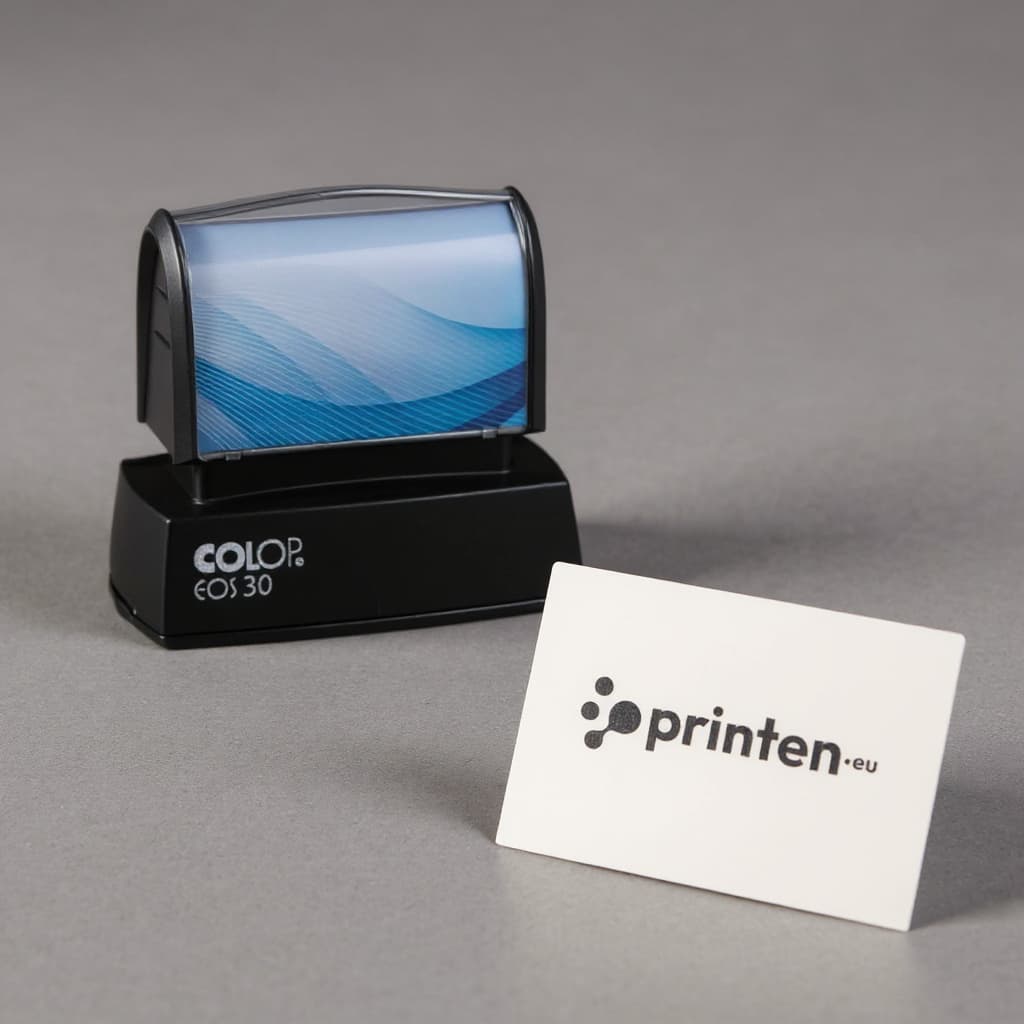
A self inking stamp has a built in ink pad. After thousands of impressions that pad runs dry or wears out, and your prints become faint and patchy. A replacement ink pad makes your stamp print as crisply as on day one. There is no need to buy a new stamp: the text plate stays in place, you only swap the pad.
Why you will like it
- Pads for a wide range of Colop and Trodat models
- Pre-inked and ready to use
- Swapped in seconds, no tools and no inky fingers
- Four ink colours: black, blue, red and green, all at the same price
- Cleaner and quicker than re-inking when your pad is worn
How to find the right pad
First choose the brand of your stamp. You will find it on the stamp itself. Then choose the model. The type number is on the side or bottom of your stamp, for example Printer 20, Printy 4912 or Professional 5200.
- Colop: pad codes start with E/, for example E/20 for the Colop Printer 20. You will find pads for the Printer, Classic and eXpert series.
- Trodat: pad codes start with 6/, for example 6/4912 for the Trodat Printy 4912. You will find pads for the Printy and Professional series.
Not sure? Check the old pad, the code is often printed on it too.
Swap it in seconds
- Press the stamp down a little until the pad is released. On some models you can lock it in that position.
- Slide or pull the old pad out to the side.
- Slide the new pad in until it clicks into place.
- Release the stamp and make a few test prints on scrap paper.
Handy tips
Switching to a different colour? Make a few test prints first, as the text plate still holds some ink from the previous colour. If your print is just a bit lighter but the pad is still in good shape, you can also re-ink it with refill ink in the same colour. Keep a spare pad in its packaging so it does not dry out.
Delivery
Your order arrives within 1 to 3 working days. You pay the normal shipping cost for your country.
Technical specifications
Related products



Newsletter
10% off your first order
Sign up for printing tips and inspiration. Your discount code will appear after you sign up.